
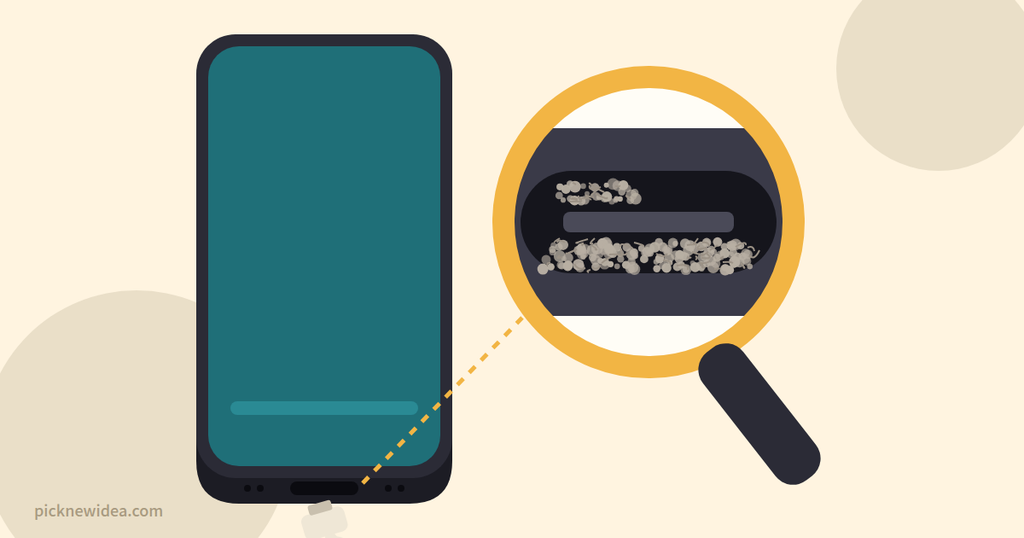
The case: Your charging cable used to click in firmly. Now it wobbles. It only charges if you hold it at just the right angle. Sometimes you wake up to a phone at 12% because the cable slipped out overnight.
It’s tempting to assume the port is broken and start pricing a repair. But after going through years of forum threads from people with this exact problem, one pattern stands out: in most cases the port isn’t broken at all. Something is hiding inside it.
Let’s work through the evidence.
The Evidence: A 60-Second Test
Before blaming anything, run these four quick checks. They’ll narrow down the culprit faster than any guesswork.
- Try a different cable. If a second cable fits snugly, your original cable is the problem.
- Shine a flashlight into the port. Look at the bottom of the opening. Gray or dark fuzz means lint.
- Watch how far the plug goes in. If the metal part of the plug stays partly visible, something is blocking it.
- Try wireless charging (if your phone supports it). If wireless works but wired doesn’t, the phone’s battery and charging circuits are fine, and the issue is in the port or cable.
Now let’s meet the suspects.
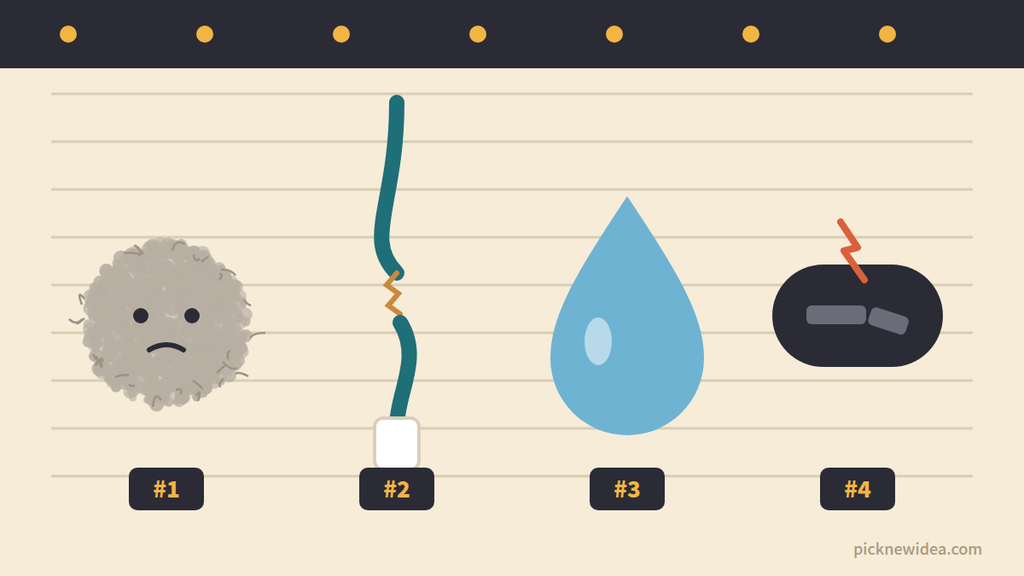
Suspect #1: Pocket Lint (The Usual Culprit)
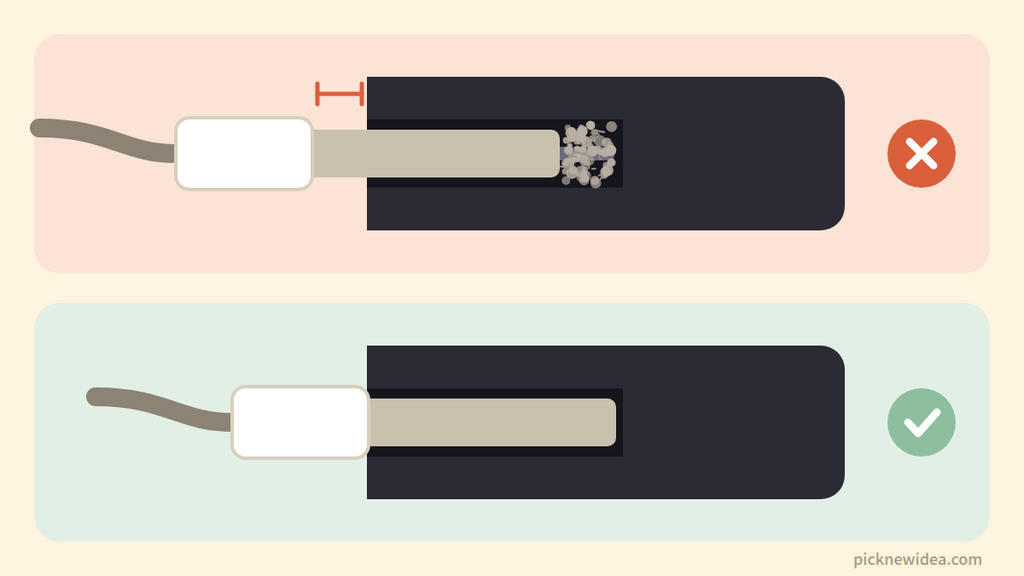
Motive: Your pocket is full of fabric fibers, and your charging port is a small opening perfectly shaped to collect them. Each time you plug in, the cable packs the lint tighter against the back wall, until the plug can no longer seat fully.
The testimony: On Android Central, one user whose cable barely stayed in and fell out at the slightest movement went looking for lint even though they couldn’t see any, and found a surprisingly large amount. On iFixit, another user said a thin toothpick pulled a large amount of lint from the port, and admitted they carry their phone in the same pocket as tissues.
A blogger described the same slow decline: over six months the cable would only stay in at a perfect angle, a new cable barely helped, and cleaning the port with a toothpick removed a remarkable amount of fuzz, after which the cable fit well again.
Even repair shops agree. One repair shop says the culprit behind a wobbly, cutting-out cable is usually pocket lint, and that cleaning fixes the problem nine times out of ten.
Verdict: Guilty in most cases.
Suspect #2: A Worn-Out Cable
Motive: Cable connectors wear down, bend slightly, or loosen after hundreds of plug-ins, especially cheap ones.
The evidence: This is the easiest suspect to clear. If another cable fits snugly and charges reliably, replace the old one. A repair blog notes that if a second cable fits and works properly, the original cable is the problem.
Verdict: Guilty sometimes. Easy to prove with the 60-second test.
Suspect #3: Moisture
Motive: Water, sweat, and humidity can trigger your phone’s safety system and block charging, which can look like a port problem.
The evidence: Samsung explains that its devices won’t charge while moisture is present in the port, as a precaution against corrosion, but you can still charge with a wireless charger on supported models. According to a Samsung Community member, the warning usually clears on its own after around 30 minutes.
iPhones do the same. Apple says that when liquid is detected in the Lightning or USB-C connector, charging and accessories are blocked until everything is dry. Its advice is to gently tap the phone against your hand with the connector facing down, leave it somewhere dry with airflow, and try again after at least 30 minutes. Full drying can take up to 24 hours.
Verdict: Innocent-looking, but it can mimic a loose port. Rule it out first if the phone recently got wet.
Suspect #4: A Worn or Damaged Port
Motive: Years of plugging, unplugging, and yanking the cable out at an angle can physically wear or break the port.
The evidence: A repair blog explains that constant plugging and unplugging wears a port over time, and that pulling on the cable instead of unplugging it gently speeds this up. In a Tom’s Guide thread, one user whose phone only charged at a slant poked around with a toothpick and discovered the small connector piece inside had snapped in half, a problem that required a proper port replacement.
Verdict: The least likely suspect, but the only one you can’t fix at home.
The Toothpick Debate: Official Advice vs. Forum Wisdom
Here’s where things get interesting, and where you deserve an honest answer.
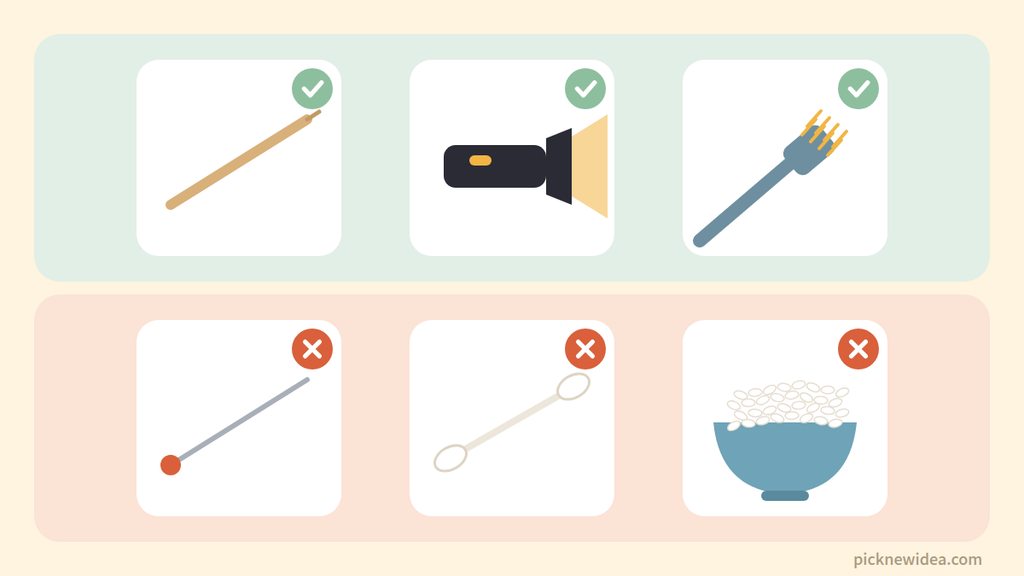
The official position: Phone makers tell you not to put anything in the port. Samsung’s support page warns against inserting any object into the charging port, saying it can damage it. Apple’s liquid-detection guidance also says not to insert foreign objects such as cotton swabs or paper towels into the connector.
The forum position: Thousands of users (and many repair shops) clean their ports with a wooden toothpick and report instant success. When one Android Central user suggested using a pin or needle, others pushed back, recommending a wooden toothpick instead of anything metal. One repair technician explained why wood matters: it doesn’t conduct electricity and is safer than metal tools, which can cause a short or scratch internal parts.
Our take: Both sides have a point. The manufacturers are being cautious because a careless poke can bend a pin or damage the port. The forum fix works because lint is soft and a gentle, non-metal tool can lift it out. If you’re not comfortable doing it yourself, most phone repair shops will clean a port quickly and cheaply, and doing it right away is far cheaper than replacing a damaged port.
How to Clean a Loose Charging Port (Carefully)
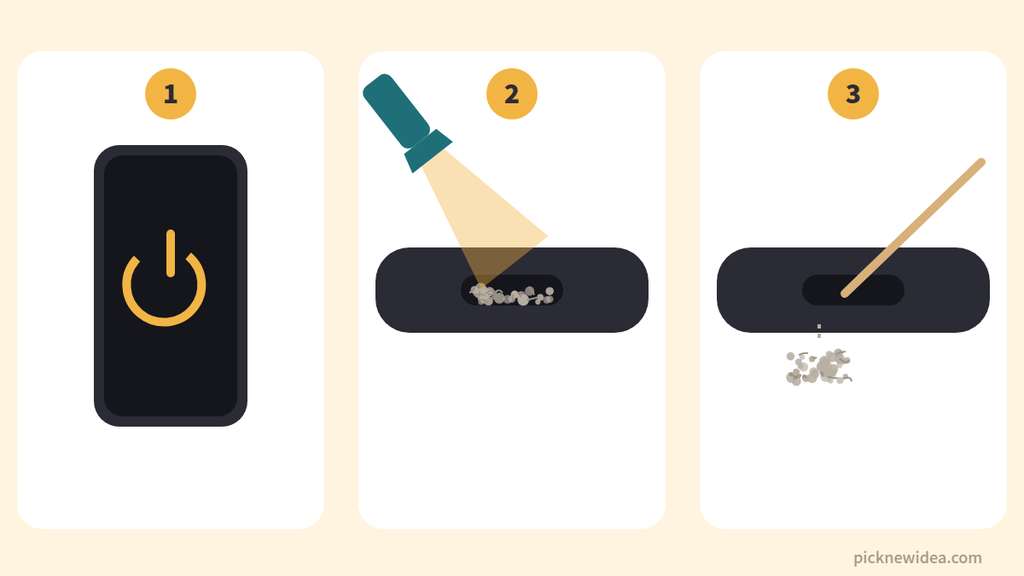
If you decide to do it yourself, go slowly and follow these steps:
- Power off the phone and unplug everything.
- Look first. Use a flashlight to see how much lint is inside and where it sits. It usually packs against the back wall.
- Choose a non-metal tool. A wooden or plastic toothpick is the standard forum choice. Never use pins, needles, paper clips, or anything metal.
- Scrape the back wall gently. Slide the tip along the back of the port and lift the lint out toward you. Avoid the center connector, which holds the contacts. Tilt the phone so loose debris falls out.
- Stop if you feel resistance. Force is how ports get damaged.
- Repeat, then test. Plug the cable in. You should feel a firm click again.
Avoid: blowing into the port with your mouth (moisture), metal tools, cotton swabs that leave fibers, and rice if the phone is wet. Apple warns that grains of rice can themselves damage the phone.
When the Case Goes Cold: Time for a Repair
Take your phone to a repair shop if:
- The port is clean but the cable still won’t seat or charge
- You can see a bent, broken, or loose part inside the port
- You see green or white corrosion on the contacts
- The moisture warning keeps appearing even when the port is completely dry
On many phones, the charging port is a replaceable part, and replacing it usually costs much less than a new phone.
How to Keep the Case Closed
- Keep your phone in a clean pocket, away from tissues and loose fabric.
- Check the port with a flashlight every few months.
- Unplug by the connector, not by pulling the cable.
- Use a dust plug if your pockets tend to collect lint.
- Charge wirelessly when possible to reduce wear on the port.
Quick Answers
Why does my phone only charge at a certain angle?
Most often, lint packed in the port stops the plug from seating fully, so the contacts only touch at certain angles. A worn cable or damaged port can cause the same symptom.
Can pocket lint really stop a phone from charging?
Yes. Compressed lint builds up at the back of the port and gradually pushes the plug outward until it barely connects.
Is it safe to clean a charging port with a toothpick?
Manufacturers officially advise against inserting objects, but many users clean ports with a wooden toothpick without problems. If you do, power off the phone, go gently, and never use metal. When in doubt, have a repair shop do it.
How much does it cost to fix a loose charging port?
If it’s just lint, a cleaning at a repair shop is usually quick and inexpensive. A full port replacement costs more and depends on your phone model.
Case Closed
A loose charging port is rarely as serious as it feels. Nine times out of ten, the culprit is a clump of pocket lint that took months to build up and minutes to remove. Run the 60-second test, rule out the cable and moisture, clean carefully (or let a pro do it), and only then worry about a repair.