
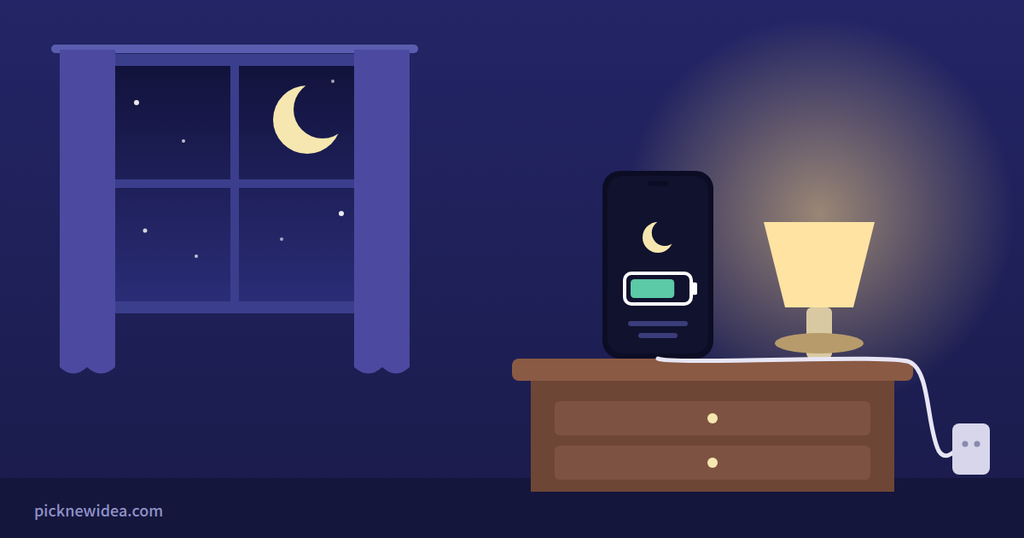
The short answer: No, charging overnight won’t “overcharge” or ruin a modern phone. What wears a battery down is heat and spending hours sitting at 100%. Turn on your phone’s built-in charging protection, keep it off your pillow, and you can plug in every night without worrying.
Few tech questions start as many arguments as this one. Ask it in any phone forum and you’ll get two camps within minutes. One side has charged overnight for a decade without trouble. The other insists you’re slowly destroying your battery.
We went through years of these threads on Samsung Community, Apple Community, and GSMArena, then checked what Apple, Samsung, and Google actually say. Here’s how the most common claims hold up.
Round 1: “Your phone will overcharge if you leave it plugged in”
What the forums say: This is the oldest fear. In one Samsung Community thread, a Galaxy A31 owner worried after leaving their phone charging overnight, and some replies warned that it could shorten the battery’s lifespan.
The reality: Modern phones stop charging on their own. A top-rated answer in Samsung’s EU community explains that once the battery reaches 100%, the phone and charger switch to short top-up bursts only when the level dips slightly, which makes overloading the battery impossible. Another Samsung member made the same point more simply: touch your charger ten minutes after the phone hits 100% and it will feel cool, because it has stopped working.
Verdict: False. “Overcharging” in the old sense isn’t a thing on today’s phones.
Round 2: “Charging overnight kills your battery faster”
What the forums say: Here’s where the argument gets heated. One GSMArena commenter called overnight charging the worst habit of all, arguing it keeps the battery at 100% for a third of its life, and that lithium batteries dislike very high or very low voltage. Another commenter shot back that they had charged overnight for more than 15 years on multiple phones without seeing any degradation beyond normal aging.
The reality: Both have a point. A myth-busting post shared on Samsung Community sums it up well: heat and high charging voltage do make lithium-ion batteries age faster, and time spent between 80% and 100% is slightly harder on the battery than stopping earlier.
The key word is slightly. Plugging in at night isn’t the problem. Sitting at a full 100% for hours, night after night, adds a little extra wear, and that’s exactly what modern charging features are designed to prevent (see below).
Verdict: Partly true. The problem isn’t the night; it’s the hours at 100% without protection.
Round 3: “You should always unplug at exactly 80%”
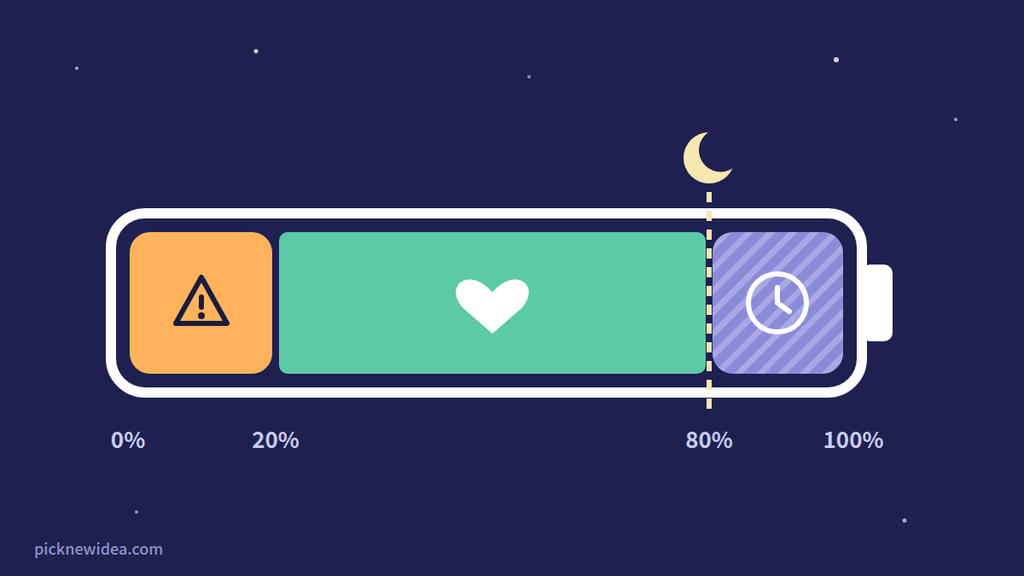
What the forums say: The “20–80 rule” comes up constantly. One Samsung member advised keeping the battery between 20% and 80% and only charging up to 90% at most, never a full charge.
The reality: The logic is sound, but you don’t need to watch your phone like a hawk. Your phone can now handle this automatically. And for many people, 80% isn’t enough to get through the day. The Apple Post puts it practically: the best setting is the lowest limit that still comfortably covers a normal day, and heavy users may be better off at 100%.
Verdict: True in theory, unnecessary in practice. Let your phone’s charge limit handle it.
Round 4: “Any cheap charger is fine for overnight charging”
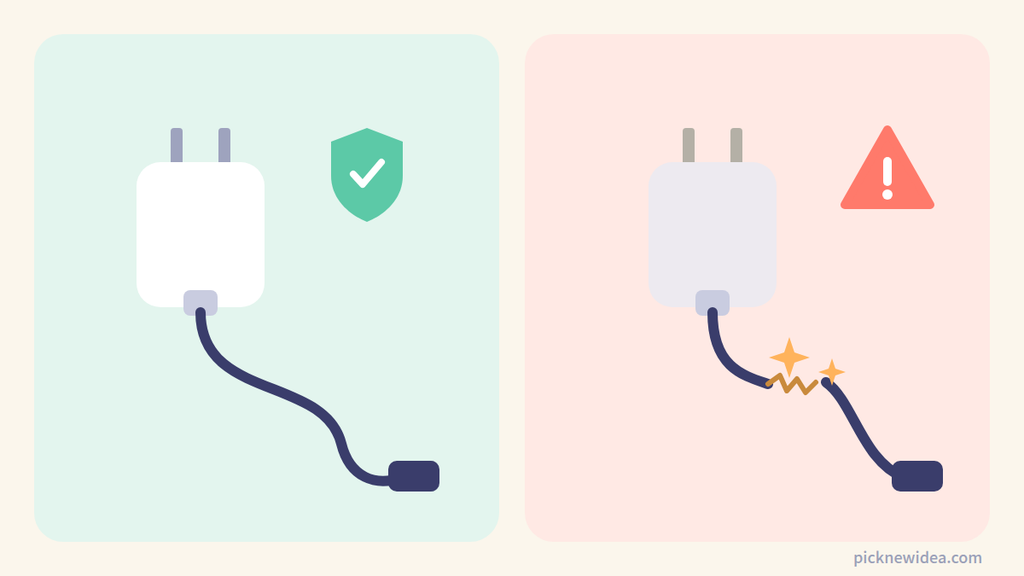
What the forums say: Most experienced forum members push back on this one. In the Samsung EU thread, the top answer recommended official or quality chargers, because third-party products may not handle top-up timing correctly and could cause long-term problems.
The reality: You don’t need the exact brand charger, but you do need a reputable one. A quality third-party charger from a known brand is fine. What you want to avoid are no-name chargers and damaged, frayed cables, especially for something that runs for eight hours while you sleep.
Verdict: False. Brand doesn’t matter much, but quality does.
Round 5: “Where you charge doesn’t matter”
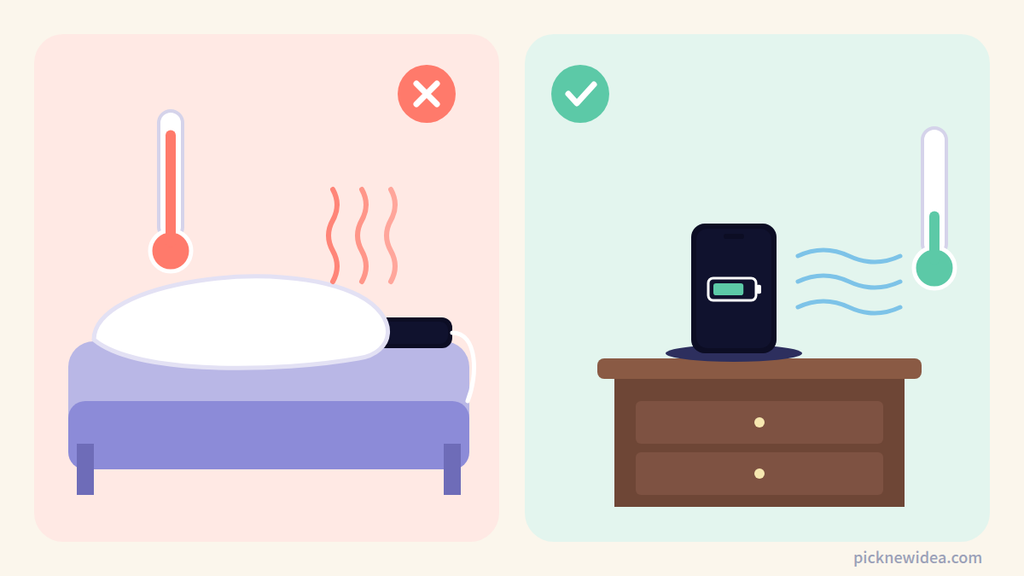
What the forums say: This one gets less attention than it deserves. The Samsung EU answer specifically warned against charging on soft surfaces like pillows or bedsheets, since the phone heats up while charging.
The reality: This may be the most important advice in this entire article. Heat is the battery’s worst enemy, and a phone trapped under a pillow or tucked into a thick case can’t cool down. Apple itself warns that temperatures above 35°C (95°F) can permanently damage battery capacity.
Verdict: False. Where you charge matters more than when you charge.
The Two Real Battery Killers
After going through all these debates, the conclusion is surprisingly simple. Two things actually wear out your battery faster:
- Heat, from charging in a hot room, under a pillow, in a thick case, or while gaming.
- Long hours at 100%, which happens by default when you charge every night without protection turned on.
Everything else is mostly noise. Fix those two and overnight charging becomes a non-issue.
Let Your Phone Do the Babysitting
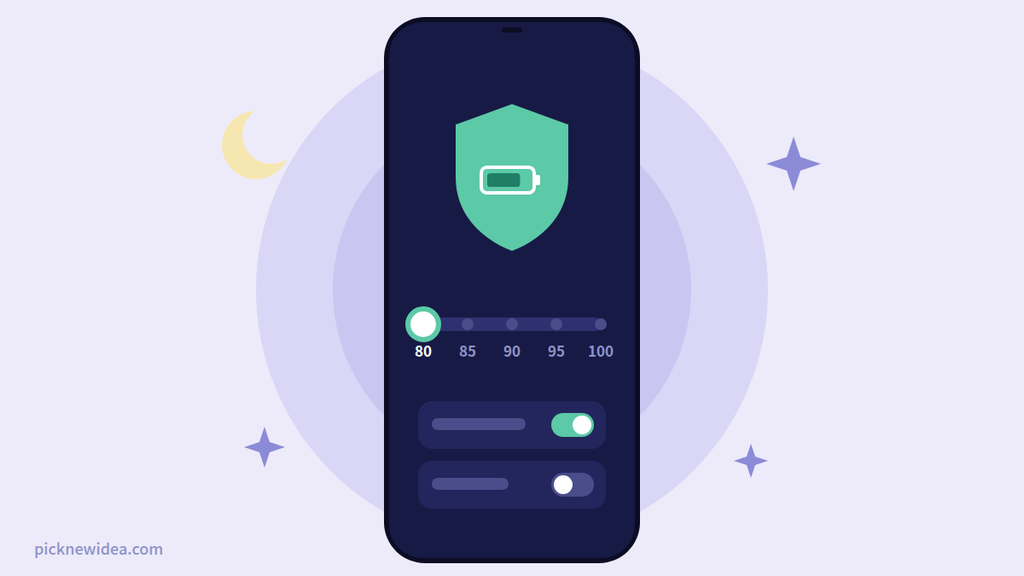
Every major phone brand now has a setting that solves the “hours at 100%” problem for you. Turn it on once and forget it.
iPhone (15 and Later)
Go to Settings > Battery > Charging and choose a limit. Apple offers charge limits from 80% to 100% in 5% steps, and when the limit is set to 100%, Optimized Battery Charging becomes available.
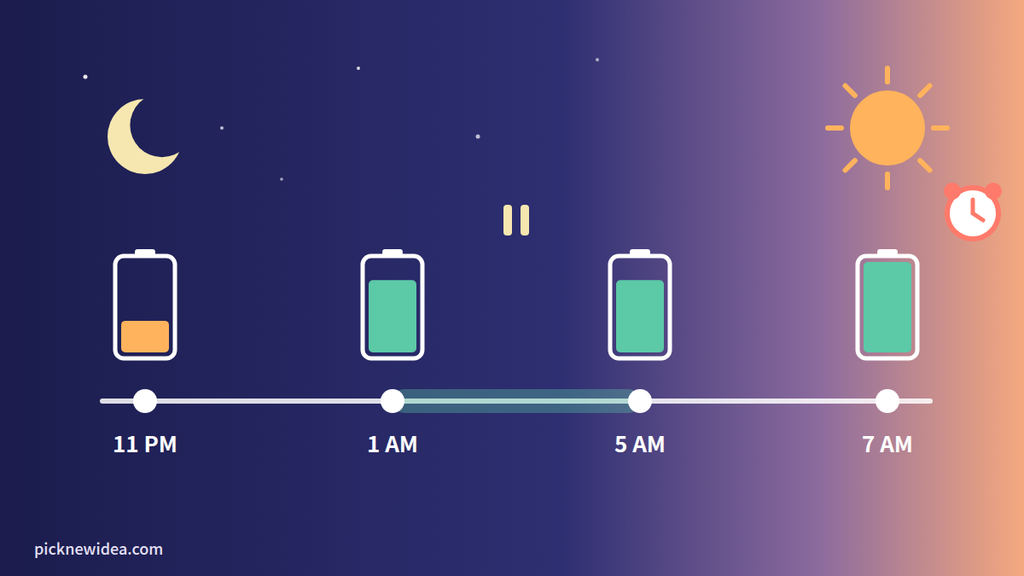
Optimized Battery Charging is ideal for overnight charging. According to Apple, it uses on-device learning to figure out your daily routine and holds the charge at 80% when it predicts you’ll be plugged in for a long time, then aims to have the phone full by the time you unplug.
Don’t be alarmed if your iPhone sometimes goes past your limit. Apple notes that even with a lower limit, the iPhone occasionally charges to 100% to keep its battery percentage readings accurate.
On iPhone 14 and earlier, go to Settings > Battery > Battery Health & Charging and make sure Optimized Battery Charging is on.
Samsung Galaxy
Go to Settings > Battery > Battery protection. On One UI 6.1 and later, Samsung offers three modes:
- Basic: stops at 100%, then waits until the battery drops to 95% before charging again.
- Adaptive: stays in protective mode while you sleep, then switches to Basic before you wake up.
- Maximum: stops charging at 80%.
From One UI 7 onward, Maximum mode lets you choose a limit of 80%, 85%, 90%, or 95%. Older Galaxy phones running versions before One UI 6.1 only have an option that caps charging at 85%.
Google Pixel
Go to Settings > Battery > Charging optimization and choose Adaptive Charging or Limit to 80%. Google documents Limit to 80% for the Pixel 6a and later, and Adaptive Charging for the Pixel 4a and later. If you don’t see the menu, plug your phone in once and check again, since the option typically appears only after the first charge following an update.
Our Simple Bedtime Charging Routine
If you want a no-stress routine, this is it:
- Turn on your phone’s smart charging once: Optimized/Adaptive charging if you need 100% in the morning, or an 80–90% limit if you don’t.
- Charge on a hard surface, such as a nightstand or desk, never under a pillow or on the bed.
- Take off thick cases if your phone gets warm while charging.
- Use a reputable charger and an undamaged cable.
- Skip fast charging overnight if your charger lets you. You’re not in a hurry while sleeping.
That’s it. No alarms at 80%, no unplugging in the middle of the night.
Who Can Stop Worrying Completely?
If you replace your phone every two or three years, the difference is small enough that you’ll likely never notice. The extra care matters most if you plan to keep your phone for four years or more, or plan to pass it on or resell it later.
FAQ
Is it bad to charge my phone to 100% every day?
Not dangerous, but sitting at 100% for long periods adds a little extra wear. Using optimized charging or a charge limit reduces how long your phone stays full.
Is it okay to leave my phone charging all night?
Yes, as long as you use a reputable charger, keep the phone on a hard surface, and ideally turn on your phone’s smart charging feature.
Why did my phone charge to 100% even though I set a limit?
Phones occasionally do a full charge to recalibrate the battery percentage. This is normal and happens on purpose.
Is wireless charging overnight worse?
Wireless charging produces more heat than wired charging, especially if the phone isn’t lined up properly on the pad. If you charge wirelessly overnight, use a quality pad and remove thick cases.
Should I let my battery drain to 0% before charging?
No. That advice comes from older battery technology. Modern lithium-ion batteries prefer shallow top-ups over full drains.
The Bottom Line
Charging your phone overnight is fine. The real risks are heat and hours at 100%, and your phone already has a feature to handle the second one. Switch it on, charge somewhere cool, and get some sleep. Your battery will be fine.