
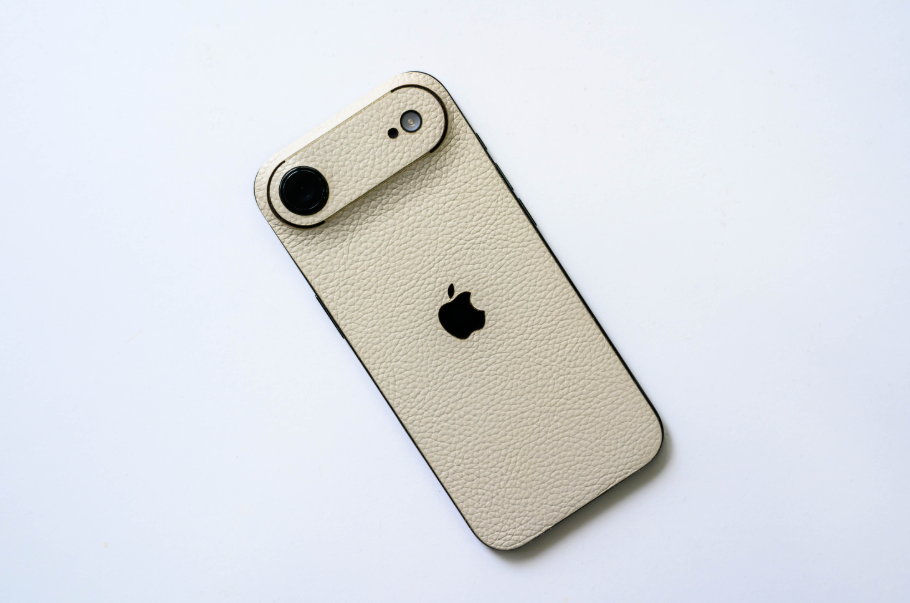
I’ve been using the iPhone Air for two weeks, so I wanted to write this post to share my impressions of Apple’s product, from the perspective of meeting my personal needs and battery life, which is one of the factors that many people debate.
The reason I chose the iPhone Air instead of the Pro or Pro Max.
Previously, if possible, I would always choose devices with large screens, and if I could afford it, it would be the Pro Max: a big screen, top-of-the-line specifications, and most importantly, long battery life, lasting more than a day before needing to recharge. I tried the 12 Pro but ended up upgrading to the 14 Plus, then to the 15 Pro Max , with only a few months between these devices.
But looking at this year’s 17 Pro Max, I really don’t have a good feeling about it. I’ve held my wife’s silver 17 Pro, and while it looks nice from some angles and feels good to hold, it’s not beautiful in the way an Apple device should be. I haven’t held the Pro Max yet, but my impression is that it’s not beautiful, not to mention it would be quite heavy if held for extended periods.
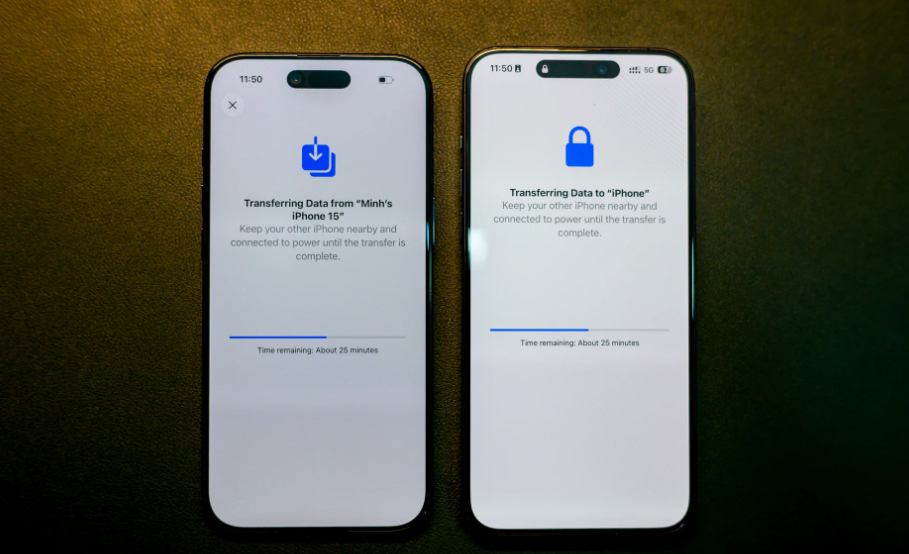
I’ve always liked the Pro Max series because of its large screen, but the iPhone Air is just as impressive when placed side-by-side.
Another issue is that after using the iPhone 16e , I suddenly realized something: I don’t need everything the Pro Max can offer. I don’t use the Telephoto or Ultra camera very often; most photos are taken with the regular camera, and I don’t use features like ProRes RAW very often. The battery life is over a day, but now I need to plug it in or put it on the dock. I don’t play many games that require the Vapor Chamber feature. And the external speaker is handled by headphones for music and entertainment, and I rarely connect it to a computer for data transfer. iCloud does a great job of syncing data already.
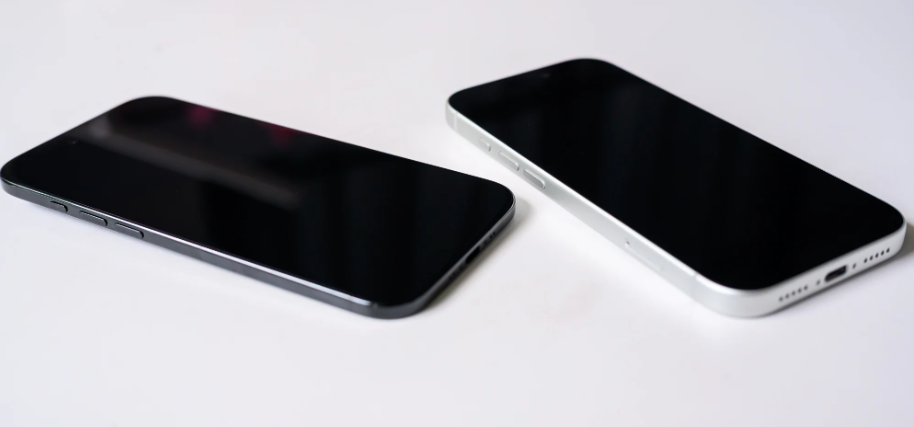
The iPhone 17 Pro is still beautiful, but it doesn’t evoke the same excitement as the iPhone Air.
And what about the 17? It’s smaller, even if only slightly, but given my personal usage habits, I’d still prefer a bigger, more enjoyable device. The iPhone Air balances these factors and is a breath of fresh air. I want to try it out and see how the Air performs and whether it meets my needs as I envisioned.
My experience after 2 weeks of use: Sufficient
After two weeks of use, I forgot that I still had an iPhone Pro Max that was perfectly fine for my needs, even though the battery life had significantly decreased.
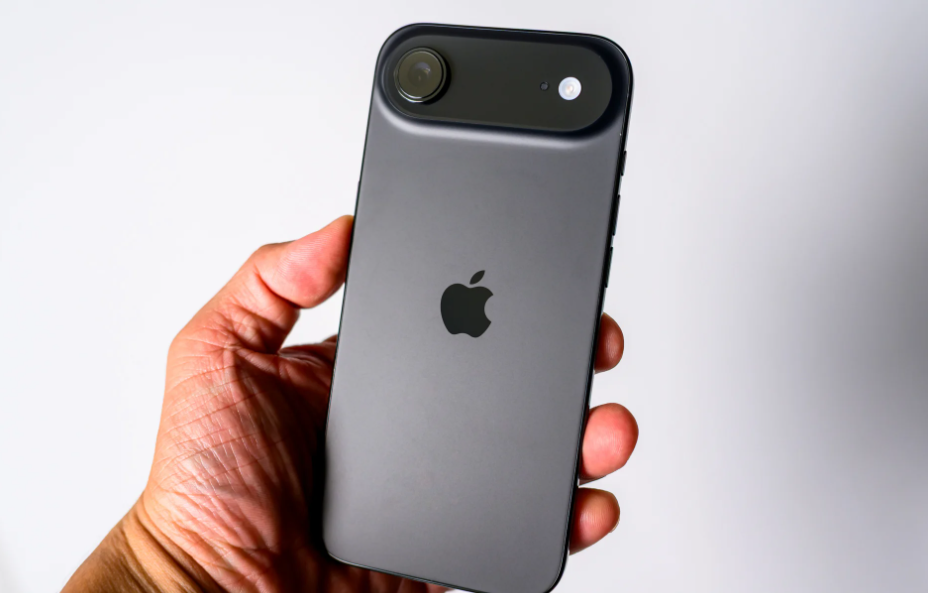
The black color on the iPhone Air is truly beautiful, seamlessly blending into
the space black iPhone Air. Combined with its slim profile, it delivers the exciting feeling that an Apple product can achieve: a screen large enough, bright and beautiful display, light enough, thin enough to comfortably hold, and seamless enough to evoke excitement when holding a mobile device, even though the truth is that at this point: the iPhone or iOS is no longer a hot trend, a product that has almost become a normal part of internet popular culture.
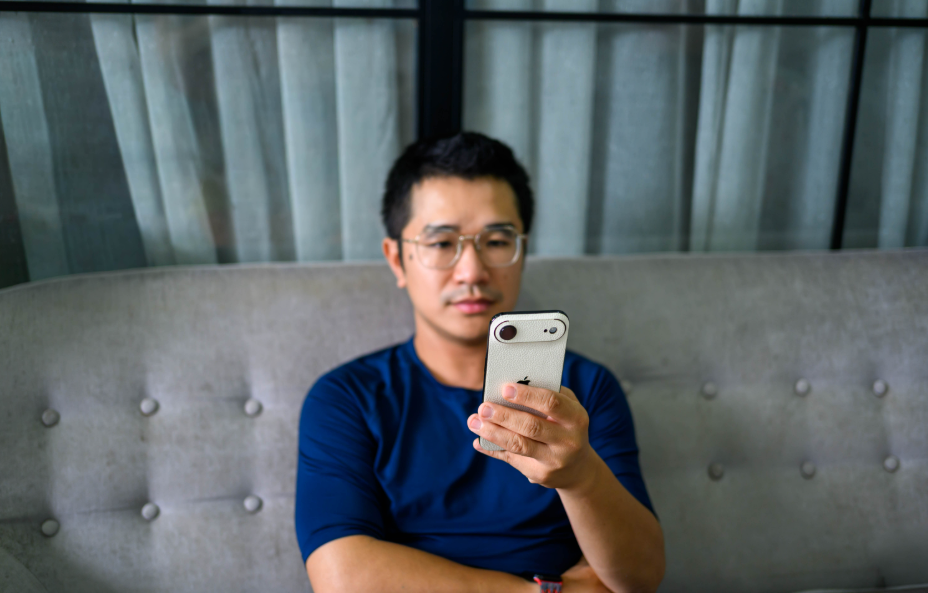
And obviously, the iPhone Air perfectly meets all my needs for my specific work. I need my iPhone to check email, Slack, Telegram, and Google Chat when I’m out and about, when I’m not sitting at my desk. Or my iPhone helps me stay updated on news, read articles, and write facts. Everything is simple, easy, and convenient, not just with the iPhone Air, but with any iPhone.
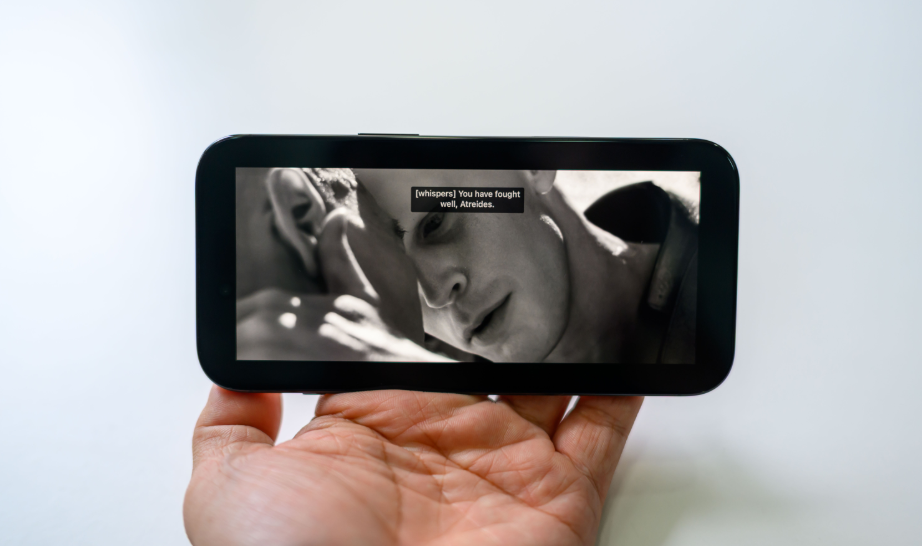
I enjoy watching movies on Apple TV
, and for entertainment on social media, watching Apple TV or YouTube, the iPhone Air easily meets these needs, even better and faster thanks to the A19 Pro chip. The bright screen with 120Hz ProMotion display, combined with AirPods headphones, makes watching movies incredibly comfortable. The Camera Center Stage feature with its smart rotation makes video calls to mom, dad, or other relatives easier.
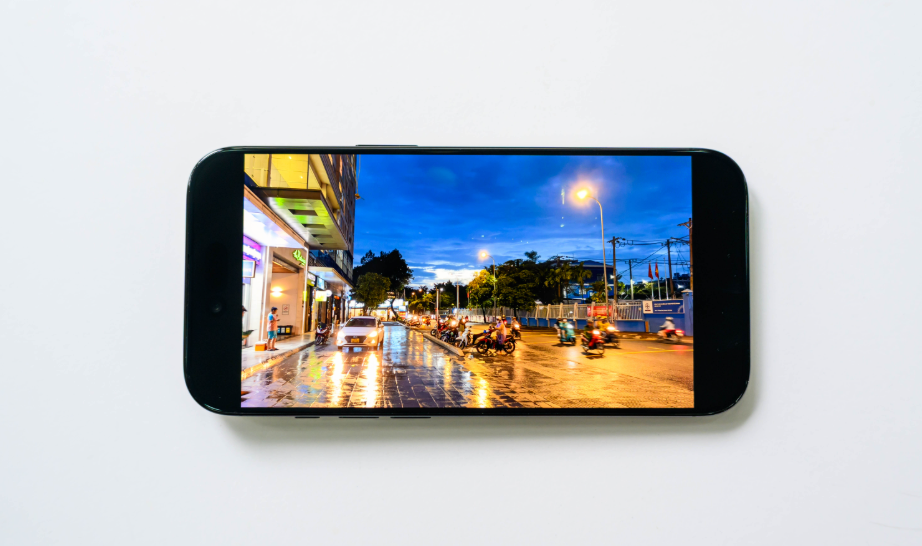
The iPhone Air’s camera is just one “eye,” but after two weeks of use, combined with observing my recent usage habits, I find it sufficient. Sufficient for me to pan the camera to take everyday photos and share them on social media with friends. The lack of a telephoto camera isn’t a big issue. The lack of an ultrawide camera hasn’t bothered me during the past two weeks of use. Many people say iPhone cameras aren’t as good as those of Android phones like Samsung, Vivo, and Oppo. This is completely true, but basically, it’s adequate for my needs.
Speaking of durability, I’ve dropped it a couple of times in the past two weeks. Once, while packing up my things, I hastily put away my MacBook with an external monitor connected and dropped the back cover on the ground. Luckily, it was fine. Another time, I dropped it while filming, but the edges and screen weren’t scratched. And one special feature that I rarely see mentioned is the Ceramic Shield 2; it seems quite durable.
After two weeks of use, the iPhone Air is a fresh experience that Apple brings to users on a product that’s already quite ordinary. iPhones are now as ordinary as MacBooks. The Air certainly doesn’t quite live up to the “Wow” factor or “disrupt” the market, but it does provide a fresh, exciting feeling with a thin, lightweight, and compact device.
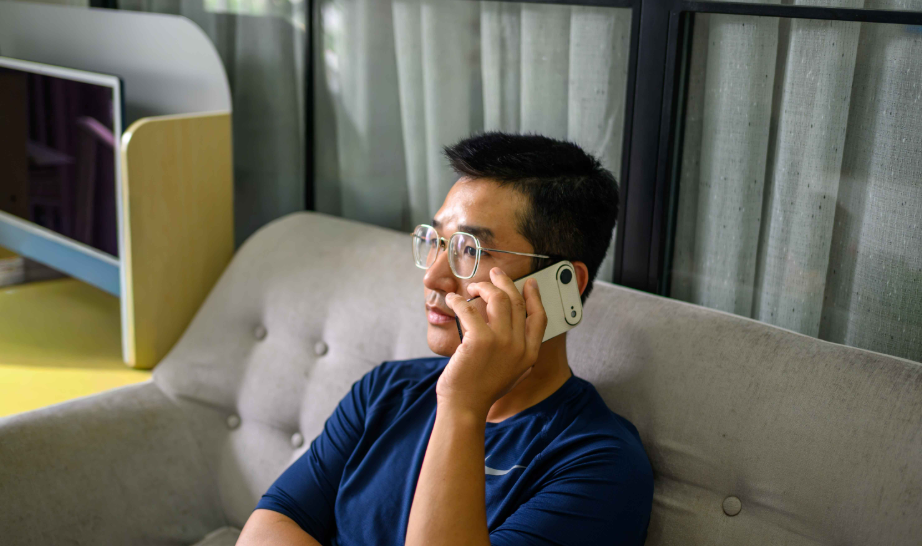
The iPhone Air’s external speaker is strange; to hear clearly, you have to listen as if you were holding a phone to a call.
Another point is the external speaker. The iPhone Air’s external speaker is odd, kind of wrong because to hear clearly you need to cover the top part to easily hear. But of course, this can be solved by using headphones: AirPods Pro 2 or B&W Pi 8, which I’m currently testing. Speaking of headphones, I think the “chairman’s” idea of removing the USB-C port is reasonable until you want to connect the iPhone Air to a DAC to test music. Removing the USB-C port is also good, it’s unconventional, but for me, I can no longer listen to high-quality music from my iPhone, and if I want to do that, I’ll have to find another solution.
Then, about battery life. My job mainly involves sitting at the office for 2-3 days, and using the remote at home for the rest of the days, or going to a cafe. Here are a few use cases, and the conditions I tested were almost identical: unplug the charger at around 7:00 AM each morning and see how long the battery lasts by the end of the day with normal usage.
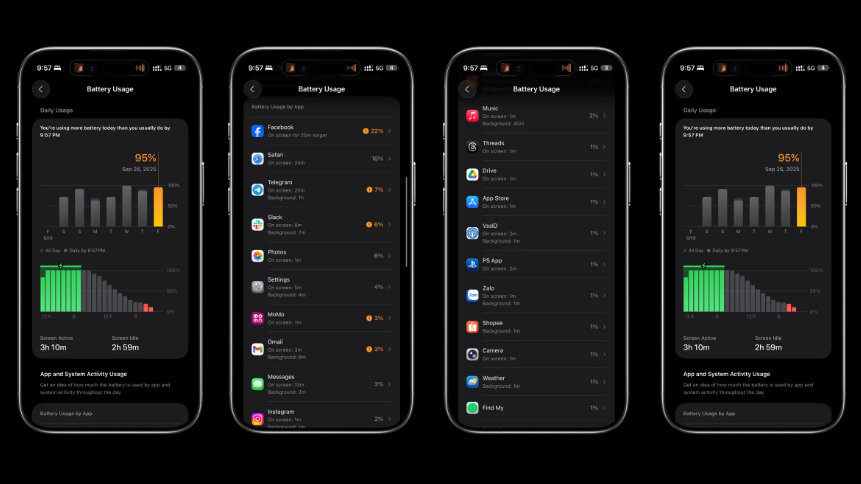
- Working from home
At home, with the combined use of Wi-Fi and 5G, the battery usually drops to around 40% by 6 PM, and with continuous use until 10 PM, it still has about 5% left before running out completely.
At home
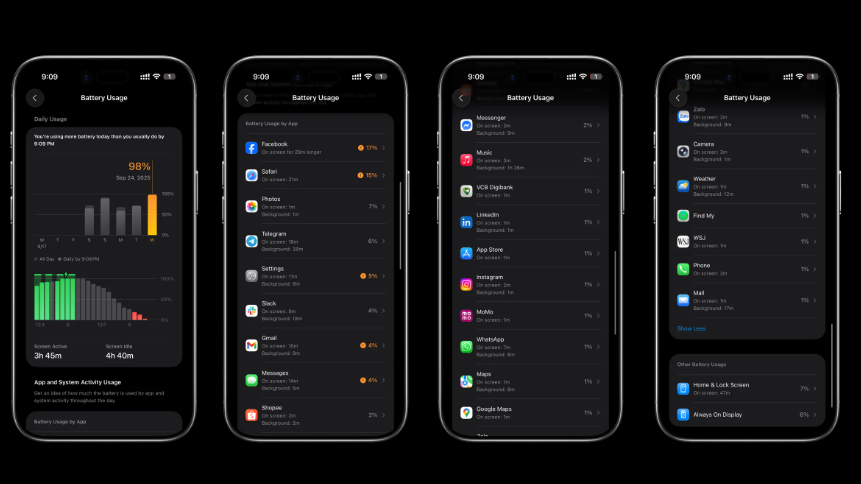
I went to a cafe to work.
This is the scenario I’ve used most often so far. I work from home, then go to a cafe for a short while, and the battery life increases significantly. By the end of the day, around 9 PM, I still have 1% left.
at coffee shop
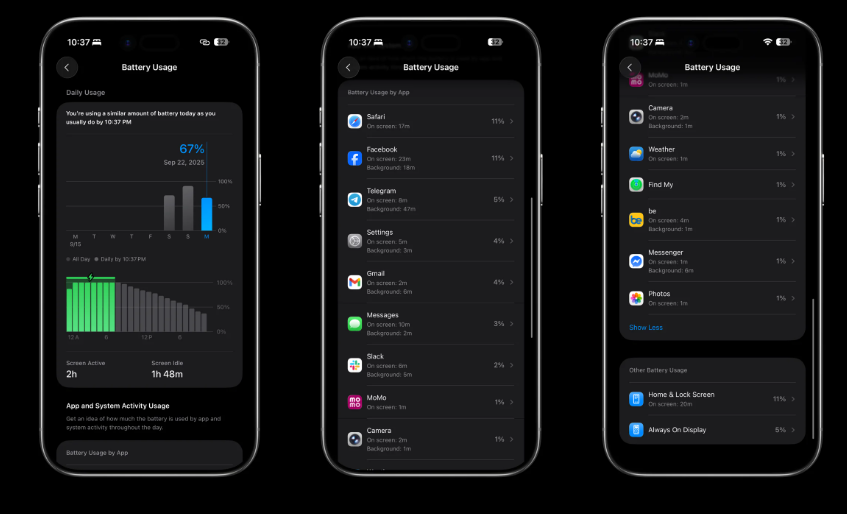
I went to the office.
At work, I mainly use 5G, but because of the nature of my job, which requires a lot of focus—otherwise, I wouldn’t have enough money to live on—by 4-5 pm, I still have around 50% left. By the time I get home, go out, and use it until evening, it’s down to about 30%.
The iPhone Air’s battery life is obviously not as long as the iPhone Pro Max’s, which is understandable and would be unreasonable to have high expectations. With this battery life, I was a little worried in the first few days of use, but gradually, I found it sufficient and only charged it when needed. However, there will certainly be days when I go out a lot, take many photos, and needing a power bank is inevitable.
Dislikes
There are quite a few positive points, but honestly, the iPhone Air is just like a gentle breeze that lasts a short while, then fades away. It’s just another iPhone, nothing groundbreaking or different. That’s both a plus and a minus for the iPhone, but I guess I’ll just keep using it.
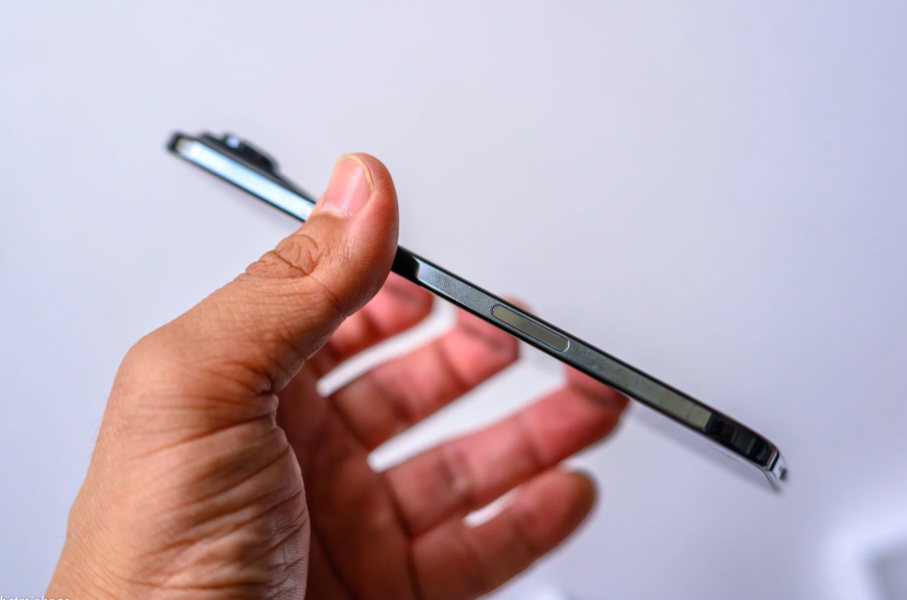
Another issue is that it easily attracts fingerprints; the back panel also easily shows marks when placed on the charging dock. I have a screen protector so I don’t notice this as much, but the edges of the phone are very susceptible to fingerprints, which is sometimes annoying.
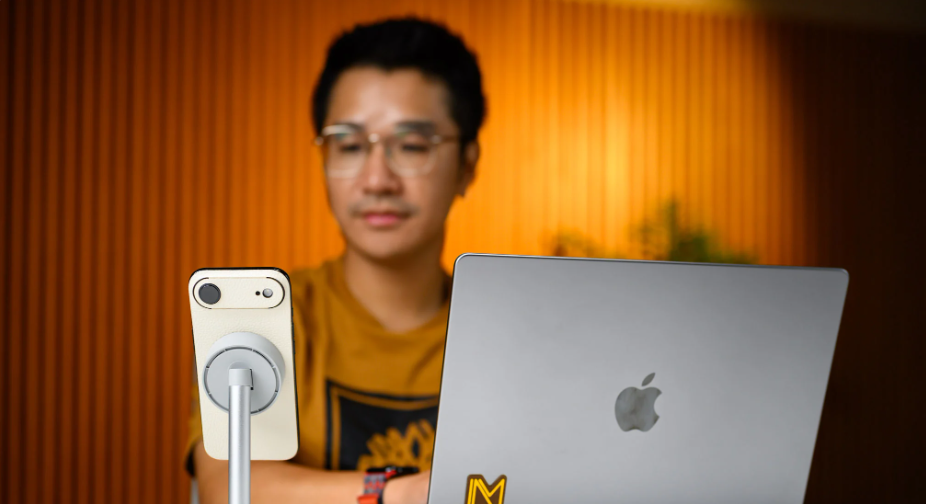
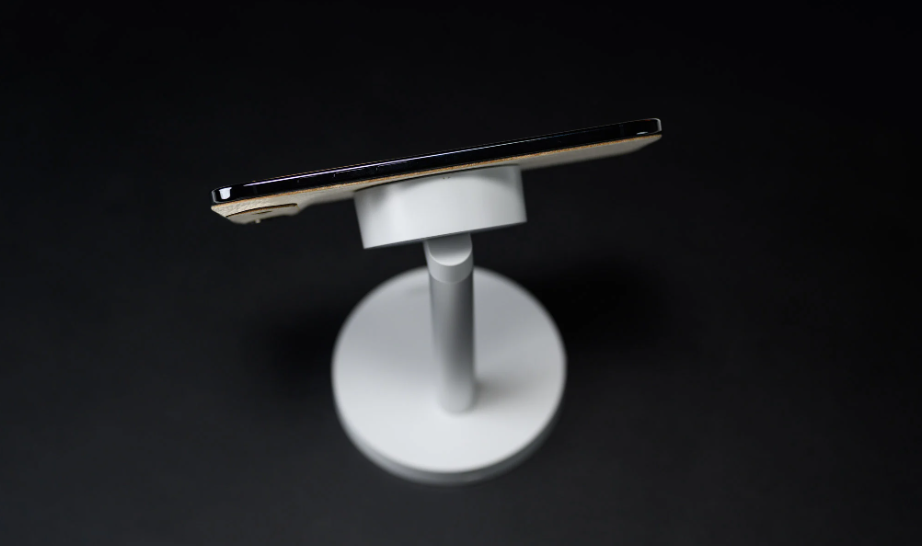
An iPhone Air, paired with a wireless charging dock like Aukey , creates a sleek and tidy workspace.
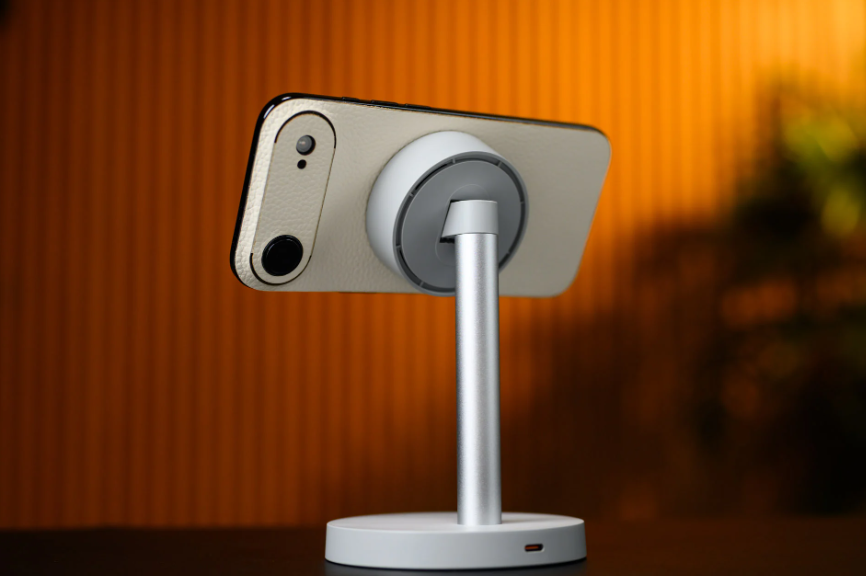
I usually charge my iPhone Air with a wireless charging dock, but the charging speed on the iPhone Air isn’t as fast as with the iPhone 17 Pro.
Also, during the days I used it, I mainly charged the iPhone Air wirelessly. Although Apple supports the Qi2 charging standard with a maximum speed of 20W, this speed is still significantly lower than the 25W on the 17 Pro and even slower than wired charging. Therefore, while I’m comfortable charging via a wireless dock, an improvement in charging speed would be a big plus for the iPhone Air.
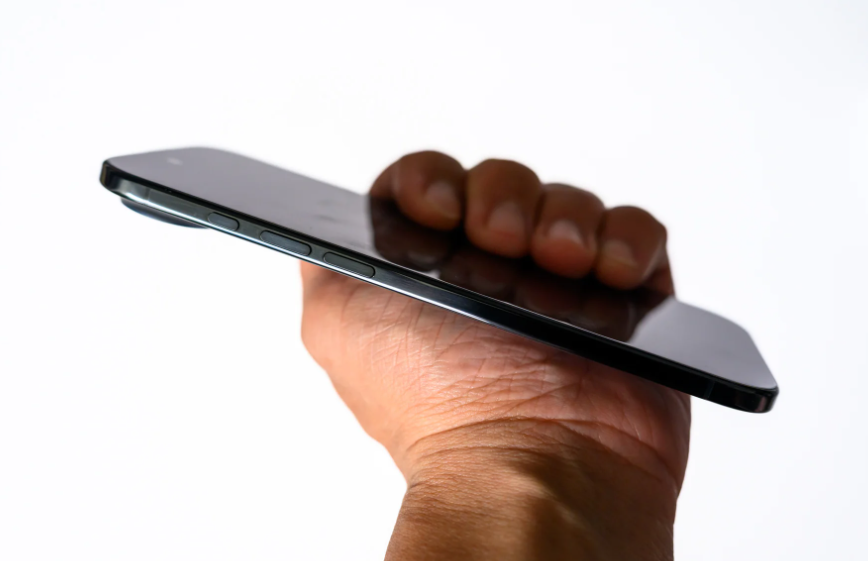
The Action Button or Camera button is really unnecessary.
Another point, and probably not just on the iPhone Air but possibly the Pro & Pro Max series as well, is that the Action Button or Camera button isn’t really necessary. It feels like Apple is cramming too much complexity into everything, and if they removed these two buttons, keeping the USB-C port, volume buttons, and power button, users would probably have a miniature iPad Pro. I’ve seen this trend of complicating the user experience in macOS, iOS, and the Watch as well; I’ll write a short article about this later.
Conclude
I was quite hesitant about trying the Air and even thought about selling it if it didn’t work out, accepting a loss. But after two weeks of use, I found the iPhone Air to be sufficient for long-term use, as it suits my needs and habits, combined with its thin and light design that provides a comfortable grip. And of course, with the ecosystem that Apple offers with iOS 26, using the Air for an extended period is entirely feasible.